Support
Questions, ideas or something not working? Email me and I'll get back to you as soon as I can.
Common questions
How do I play?
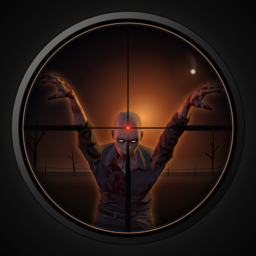
Start Zombie Bunker on your Apple TV, then open it on your iPhone or iPad on the same Wi-Fi – the phone finds the TV by itself. Point the camera at the TV: it sees the bunker frame on the screen and works out exactly where you're aiming. Tap to shoot, pinch to zoom and reload with the volume button. Up to eight players can join the same TV, each with their own phone.
Can I play without a phone, or without a TV?
Yes. On the Apple TV the whole game plays with the Siri Remote or a game controller. Without an Apple TV, tap PLAY WITHOUT A TV on your phone and turn the phone to aim.
My phone can't find the Apple TV
- Start the game on the Apple TV first, and make sure both are on the same Wi-Fi network.
- Allow Zombie Bunker to use the local network: Settings → Privacy & Security → Local Network on the iPhone or iPad.
The scope doesn't follow the TV
Keep the whole TV picture in view of the camera and step back a little if you're very close. Strong reflections on the screen can confuse the camera – dim a lamp that shines right on the TV. Zombie Bunker needs access to the camera; you can turn it on under Settings → Zombie Bunker.
What does the purchase include?
The first five waves are free and can be played again and again. One purchase, Full Game, unlocks every wave and every world on iPhone, iPad and Apple TV. When you play together, one purchase is enough – and with Family Sharing your family gets it too.
I've already bought the game
Tap RESTORE PURCHASE on the purchase screen. It opens after wave 5, or when you pick a locked world in the lobby.
What data does the game collect?
None. Read more in the privacy policy.